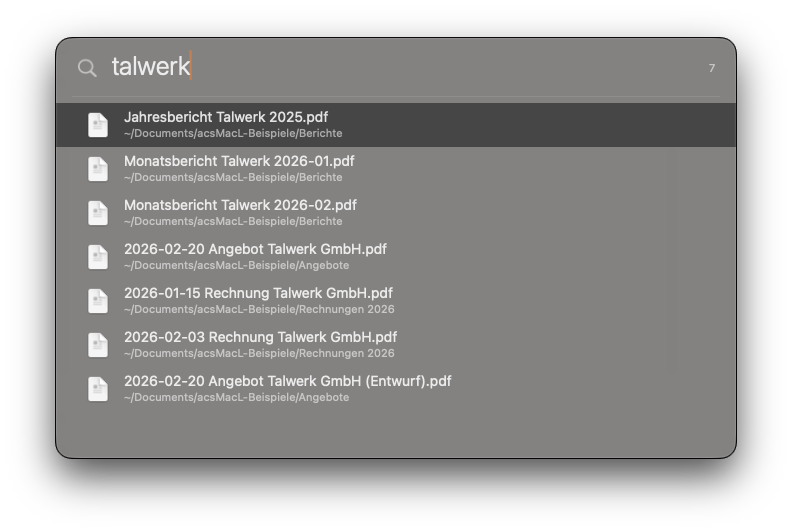
Several words narrow things down: invoice pdf 2026
returns only what matches all three. A file extension filters too,
and so does a date range — 2024..2025-08 for a window,
>3y for everything older than three years.
The date suffixes work in English: y, m,
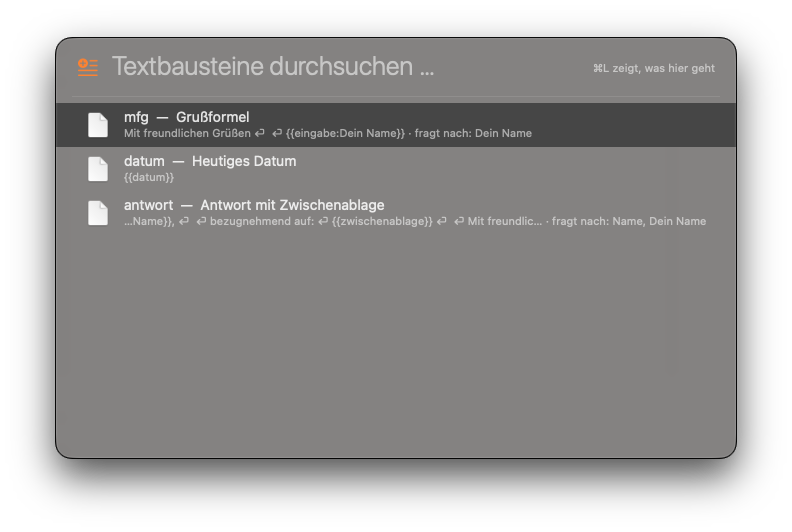
w, d. The snippet placeholders further down
do not — they are German words and stay that way:
{{datum}}, not {{date}}.
Under every hit you see where it lives. Return opens it,
⌘Y shows a preview without starting an
application, and ⌘Return reveals it in the
Finder. If you would rather not memorise a shortcut, press
⌘L — the menu shows everything the selected hit
offers.
The order learns as you go: what you pick often moves up. It also
unlearns — switch tools and the new one is on top within days,
instead of waiting behind a habit from two years ago.
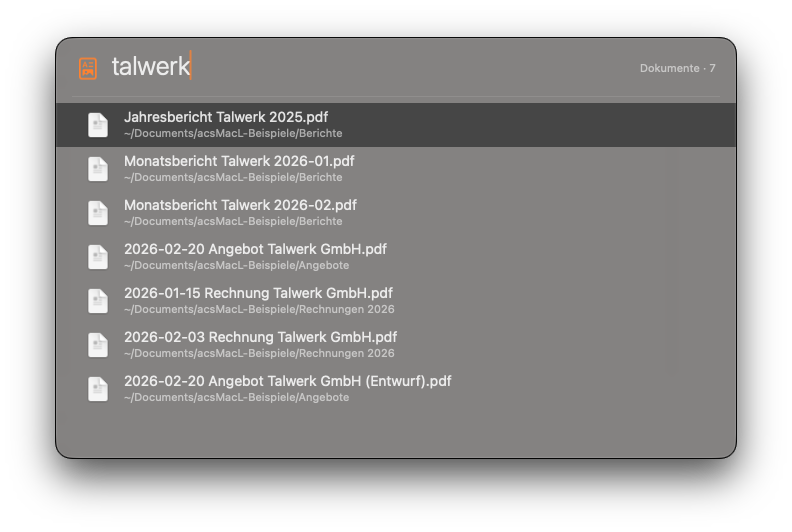
One letter up front decides what shows up at all:
- f Files
- d Documents
- o Folders
- i Contents
- a Applications
- v Clipboard
- s Snippets
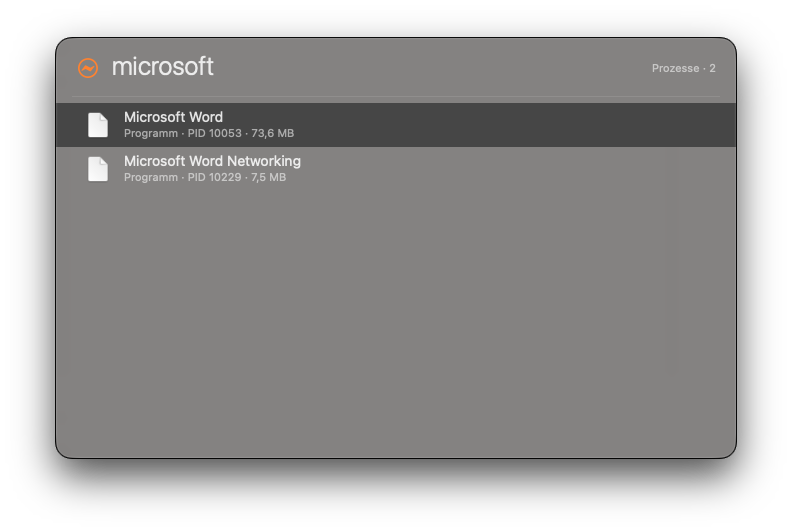
- p Processes
- = Calculator
- w Keep awake
And when the name gives you nothing, i searches inside
the files: i talwerk finds the document that contains the
word, even when the file name never mentions it. That one is in the
free version.
And when you have forgotten the name but know where the file lives: a
trailing slash turns the word into a folder.
vertrag vorlagen/ searches only in folders whose name
ends in „vorlagen“, and in everything below them.
vorlagen*/ turns that around,
it-systems/vorlagen/ spans two levels.
Every mode, every shortcut and what each character does:
read the guide.
Two of those letters are not what an English speaker would guess:
o comes from Ordner (folder) and
i from Inhalt (contents).